🌐 Bringing the Las Vegas Sphere to Your Desk: An Immersive 3D Experience
Have you ever looked at the Las Vegas Sphere and wished you could experience its grandeur from the comfort of your own home? While we might not all have a multi-billion dollar budget to build a giant LED dome, we can certainly recreate the magic using modern web technologies.
In this post, I’ll walk you through my latest project: Live Las Vegas Sphere at Home. It’s a "digital window" experiment that combines 3D rendering, real-time AI face tracking, and live streaming to create a stunning anamorphic illusion.
🎭 The Concept: What is a "Digital Window"?
A standard screen shows 3D objects as flat images. However, when we move our heads, the perspective doesn't change, which breaks the illusion of depth.
A Digital Window (or Off-Axis Projection) solves this by tracking the user's eye position in real-time. As you move left, right, up, or down, the camera in the 3D scene moves in sync, making it feel like you are looking through your monitor into a physical space where a 3D sphere exists.
🛠️ The Tech Stack
To bring this to life, I utilized a powerful combination of tools:
- Three.js: The industry standard for 3D on the web. It handles the rendering of the sphere and the complex camera projections.
- MediaPipe Face Mesh: Google's AI-powered solution for real-time face tracking. It allows the app to know exactly where your eyes are without needing specialized hardware—just a standard webcam.
- GLSL Custom Shaders: To map a flat live stream onto a 3D sphere accurately, I wrote custom shaders that handle spherical projection mapping.
- Vite: For a lightning-fast development environment.
🚀 How It Works: Steps to Immersive Reality
Recreating the Sphere wasn't just about putting a globe in a scene; it was about the connection.
1. The Live Feed
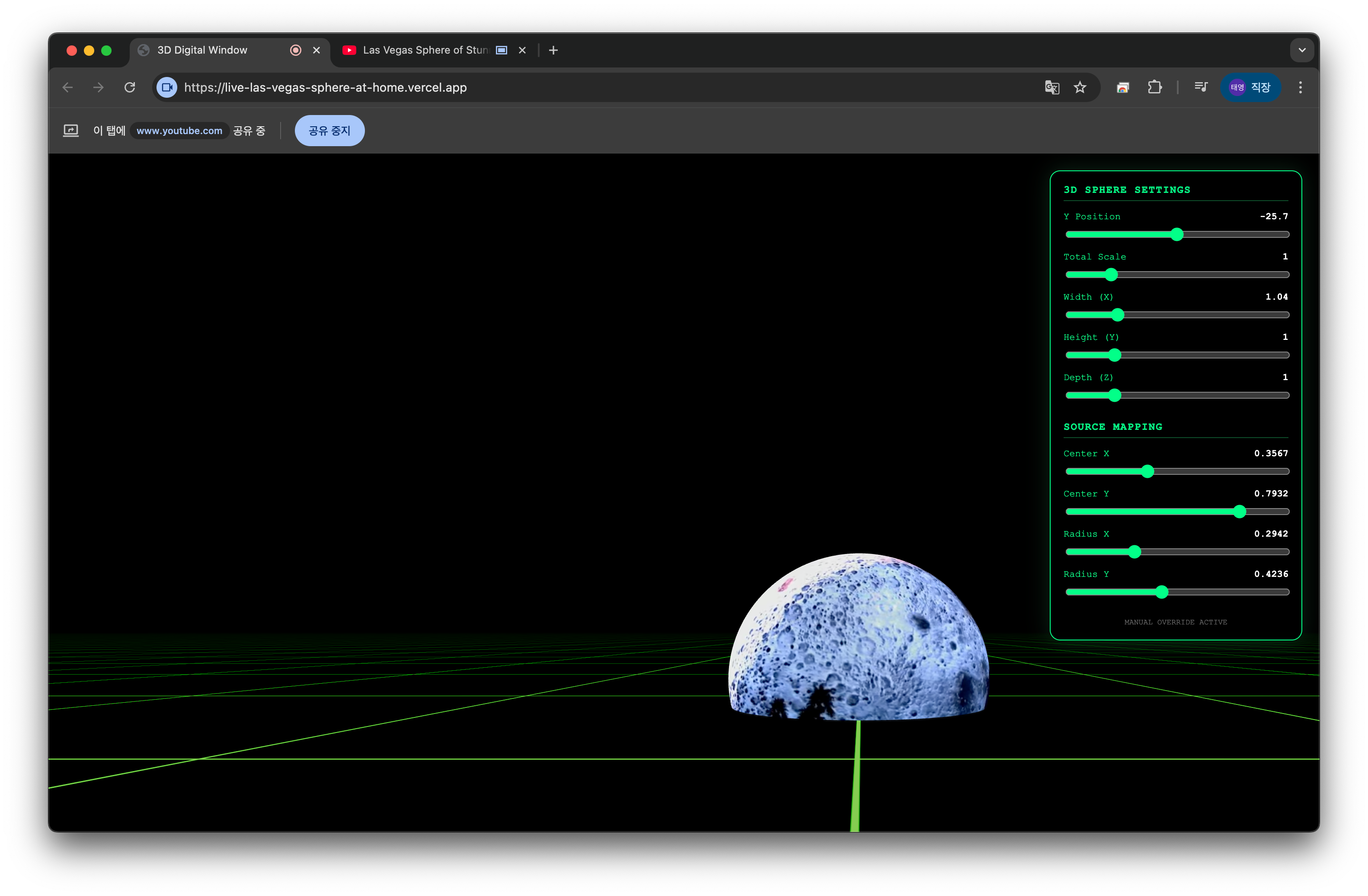
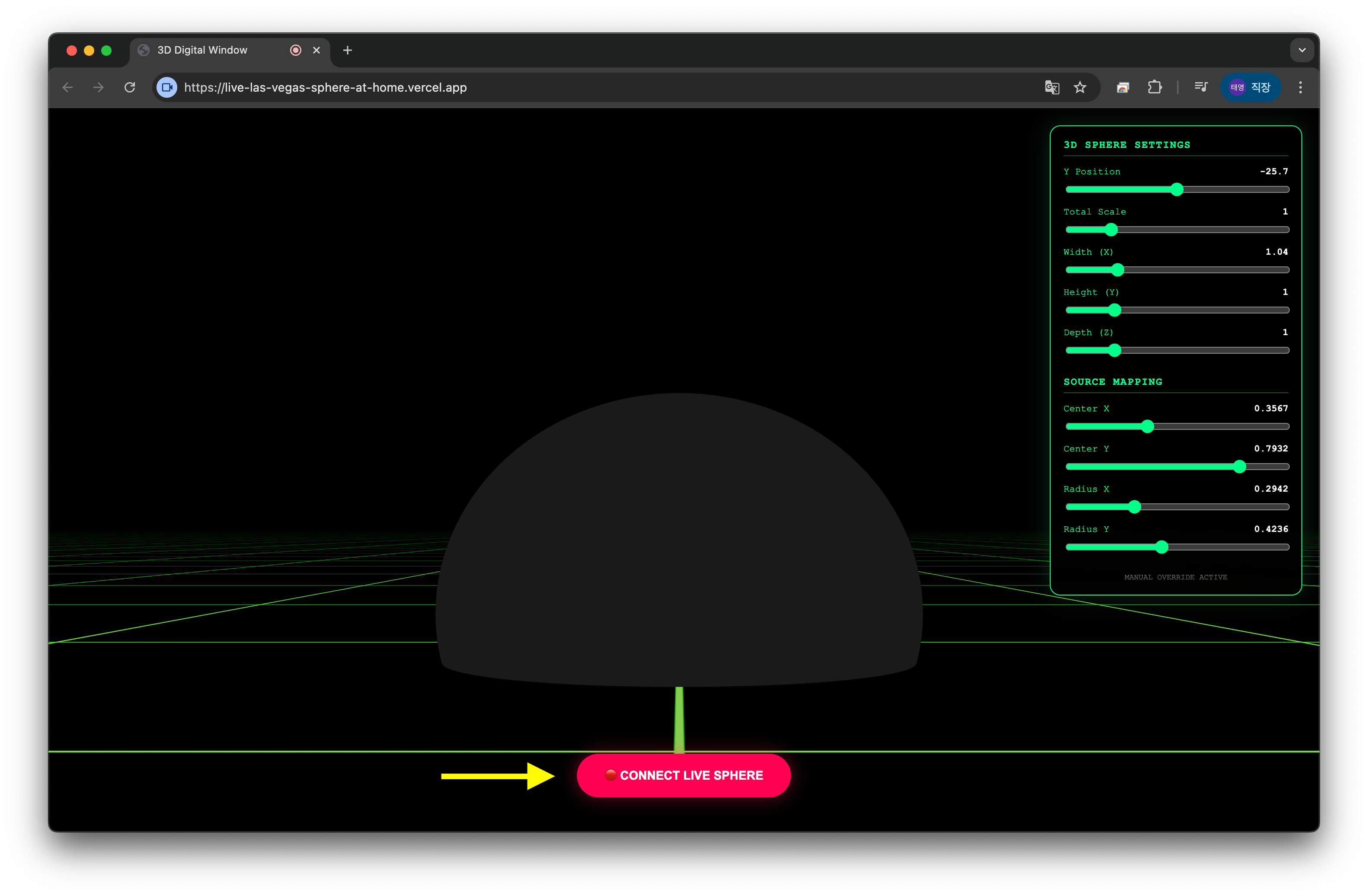
Users can connect a real live stream (like a 24/7 YouTube feed of the Las Vegas Sphere) directly into the app. By using the browser's screen-sharing capabilities, we "pipe" the video texture onto our 3D geometry.
2. Precise Calibration
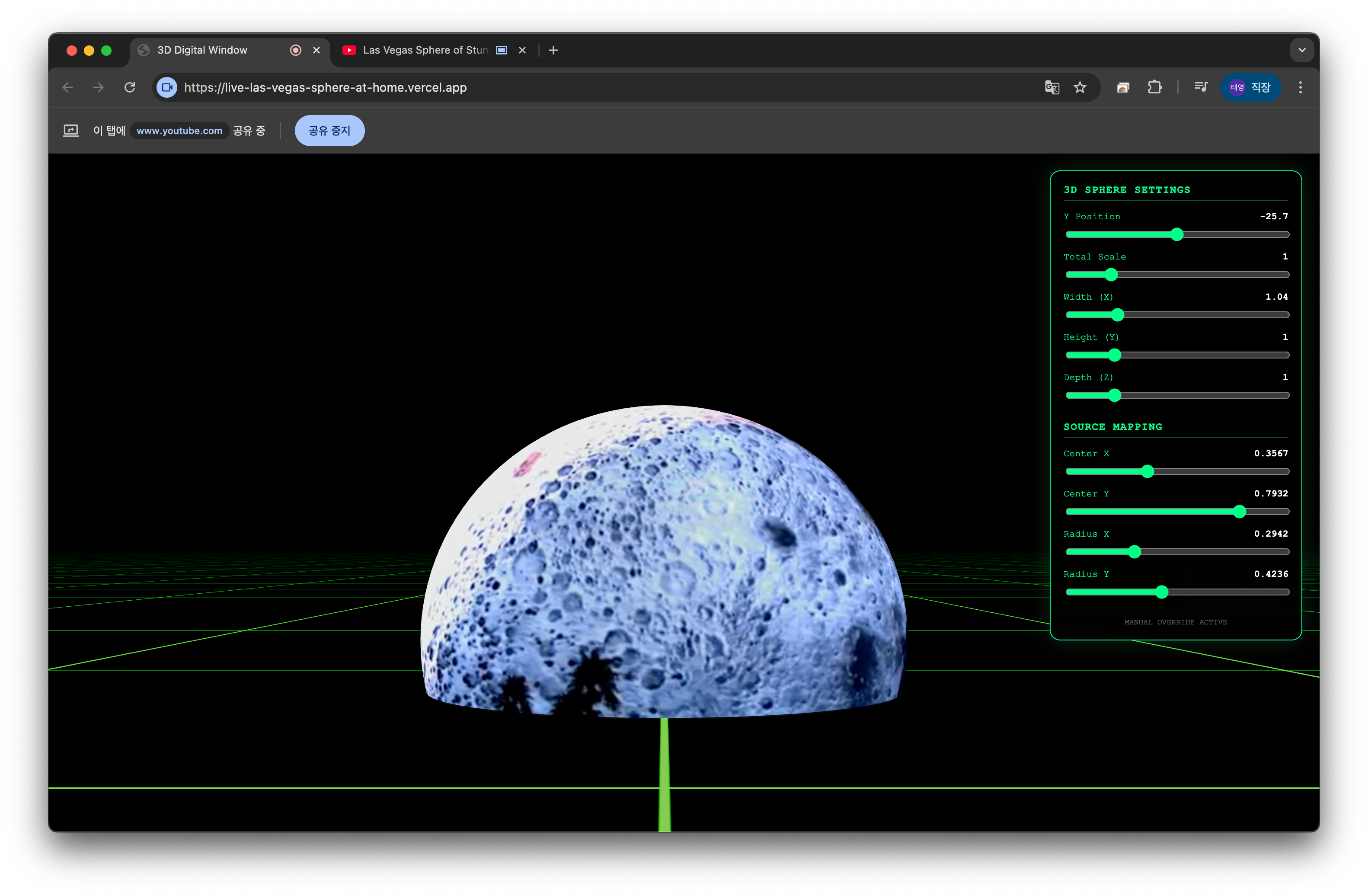
Since every live stream has its own framing, I built a real-time calibration panel. Users can adjust the center points and radius of the mapping to ensure the "Eye" of the sphere looks perfect regardless of the source video's crop.
3. The Illusion of Depth
Once the face tracking is active, the scene reacts to your movement. If you lean in, the sphere gets closer. If you peek around the side, you see the curve of the horizon. It transforms your monitor from a flat display into a portal.
📸 visual Journey
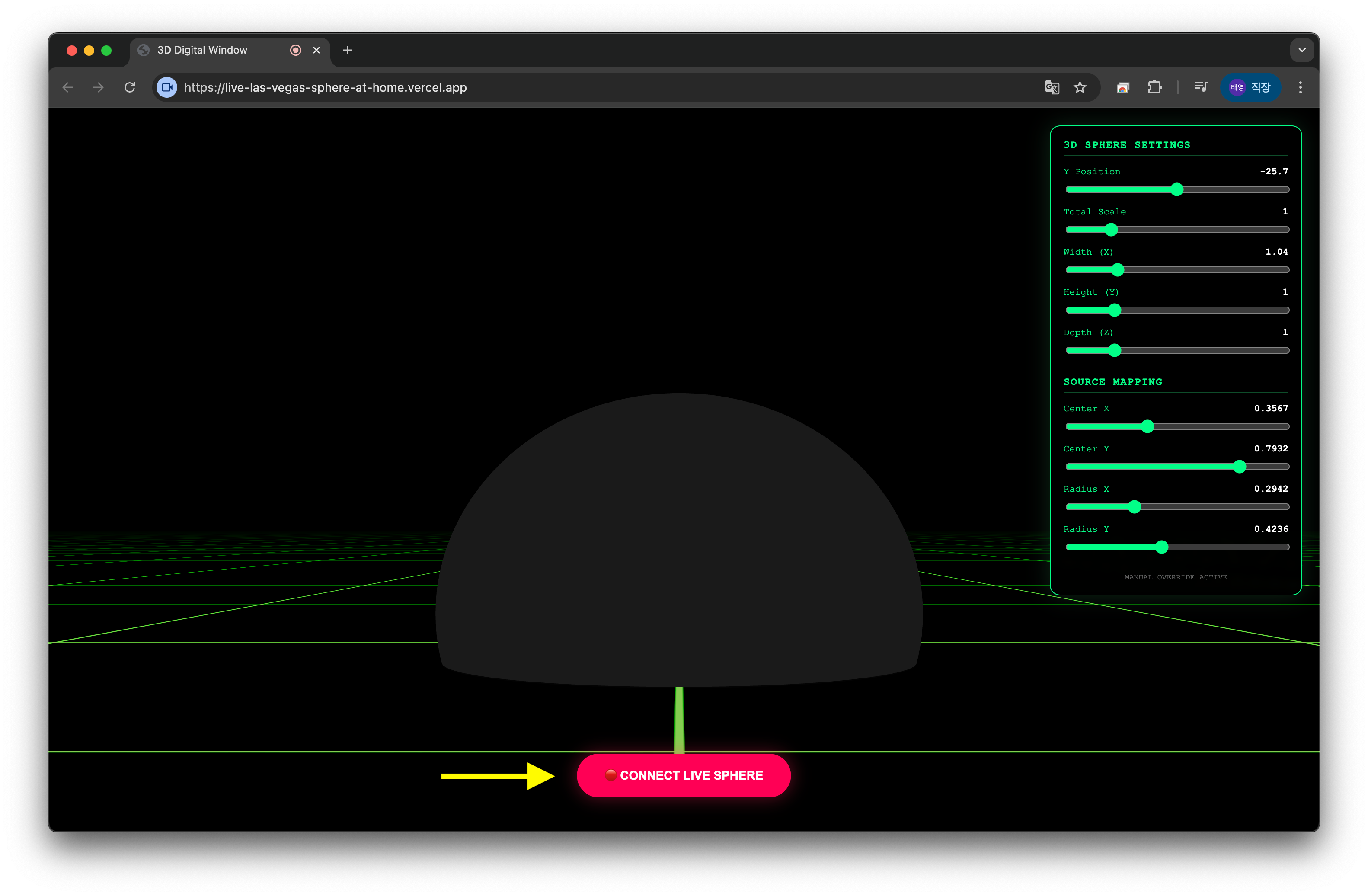
Check out the workflow from setup to the final result:
| Step 1: Connect | Step 2: Source | Step 3: Align |
|---|---|---|
 | 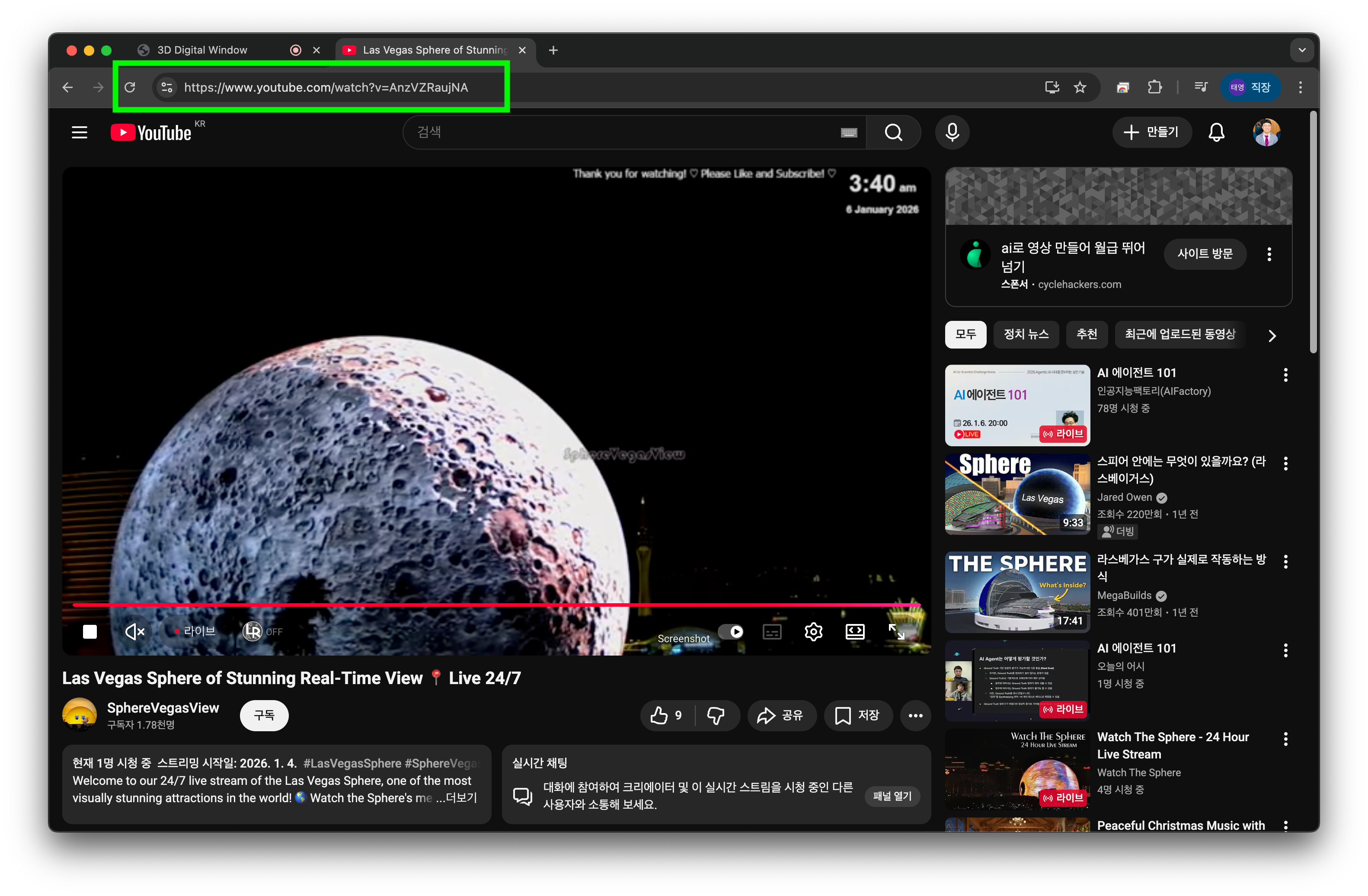 | 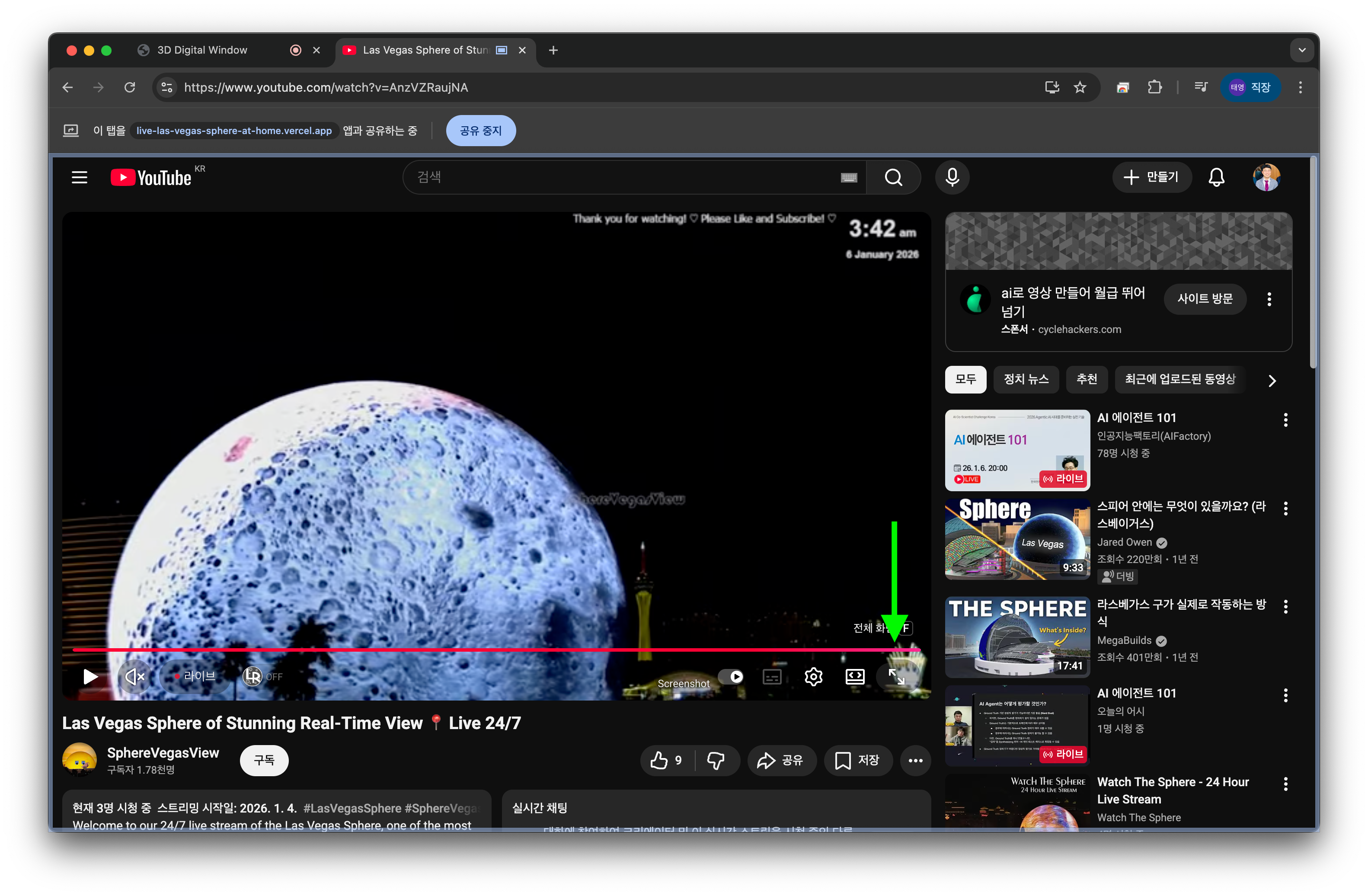 |
🌟 Wrapping Up
This project is more than just a cool visual; it's a peek into the future of immersive computing. By combining AI-driven interaction with high-performance 3D rendering, we can turn everyday devices into magical windows.
If you have a webcam and a curious mind, you can try this project on your own desk. It’s an amazing feeling to see the Las Vegas Sphere glowing right in front of you, reacting to your every move.
Check out the repository to get started and build your own digital window!
Stay immersive,
Taeyoung Kim