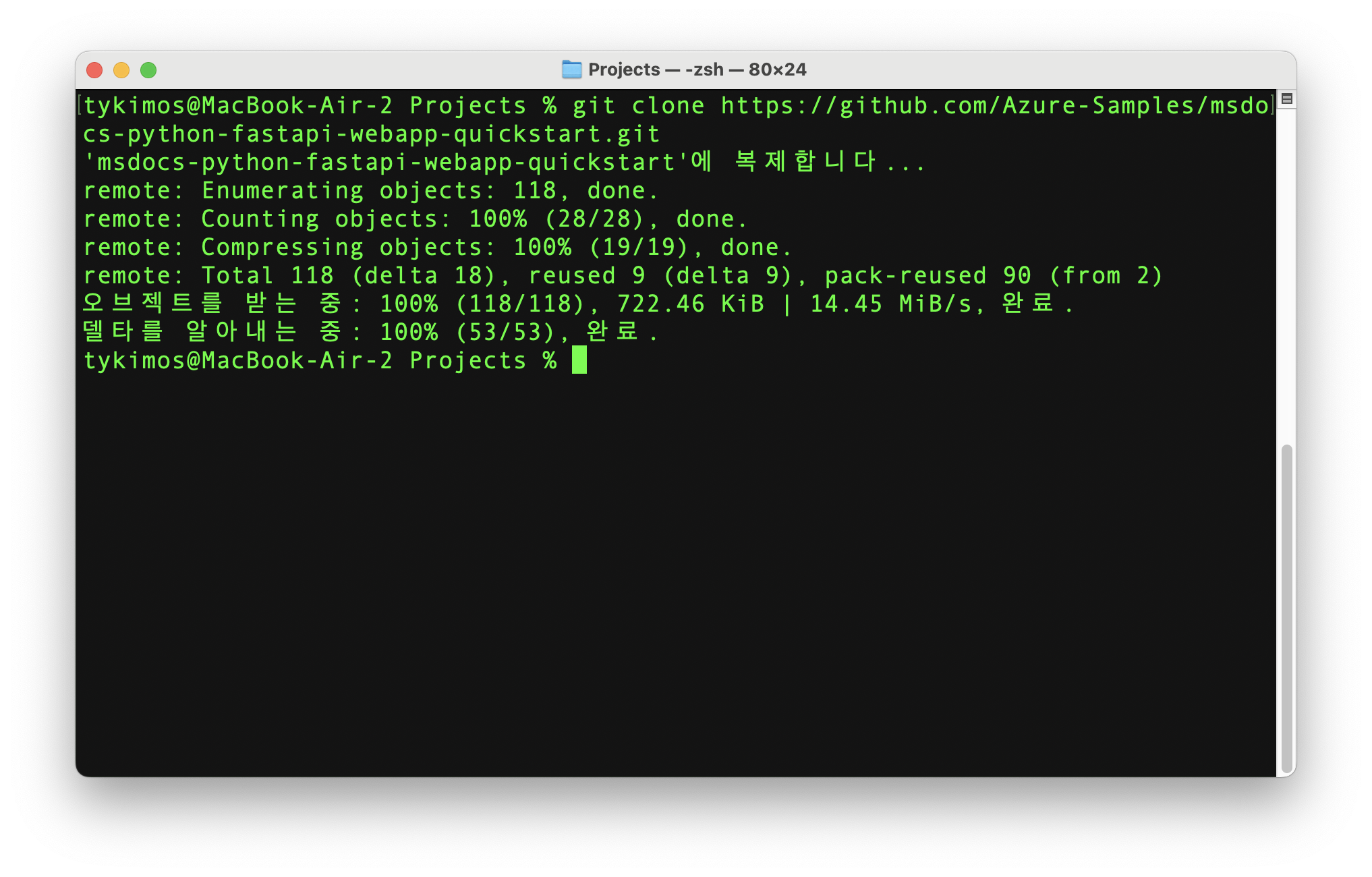
FastAPI 기반 프로젝트를 Azure App Service로 배포해보도록 하겠습니다. 터미널에서 먼저 마이크로소프트에서 제공하는 리포지토리를 클론 받습니다.
git clone https://github.com/Azure-Samples/msdocs-python-fastapi-webapp-quickstart.git처리 결과는 다음과 같습니다.
자신의 프로젝트명으로 폴더 이름을 변경합니다. 본 예제에서는 has로 하겠습니다.
mv msdocs-python-fastapi-webapp-quickstart has
cd has
git remote remove origin
GitHub에서 본인의 계정으로 새 리포지토리를 생성합니다. 예: has
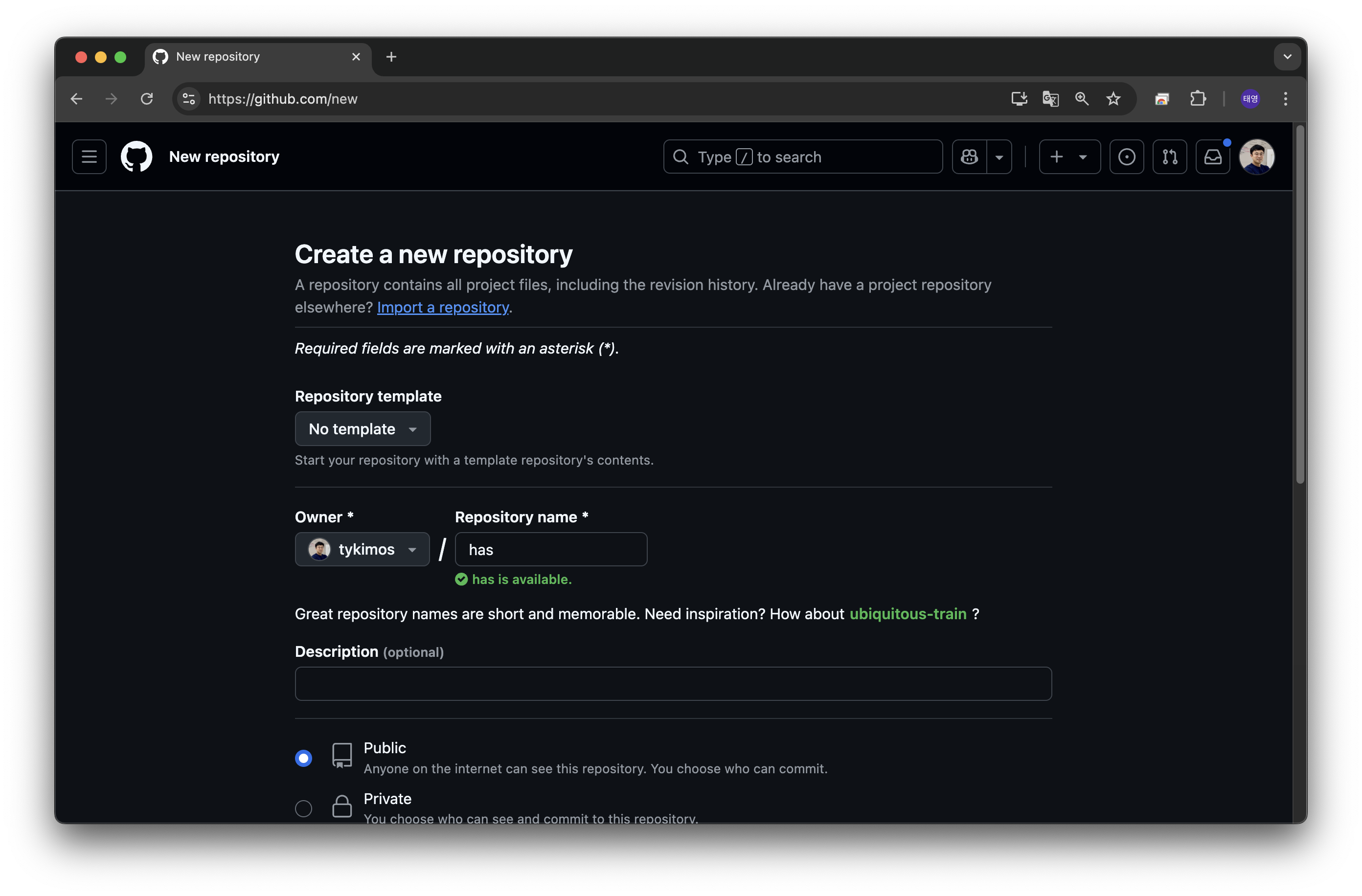
터미널에서 방금 만든 리포지토리랑 현재 프로젝트 폴더를 연결합니다.
git remote add origin https://github.com/tykimos/has.git
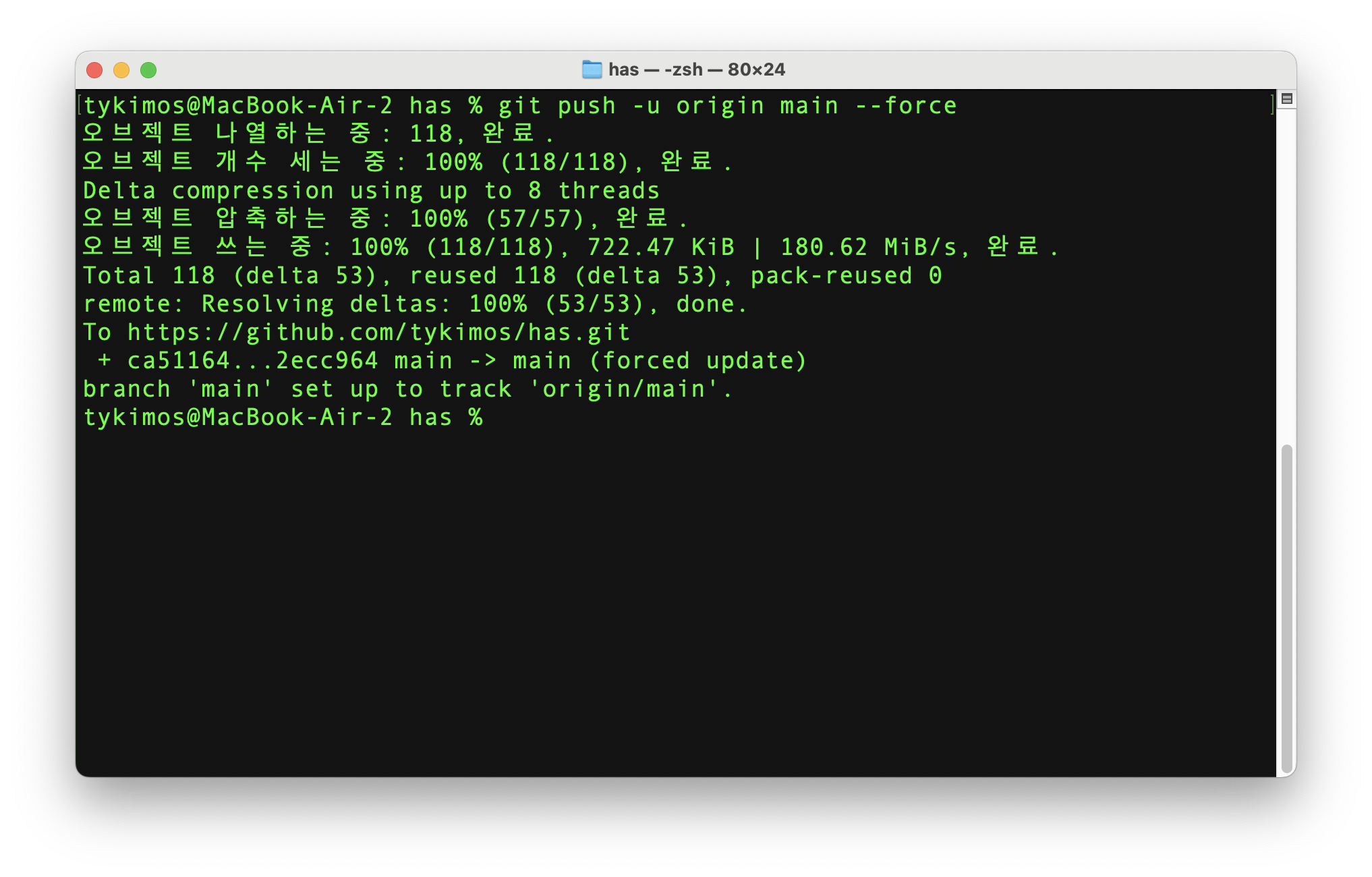
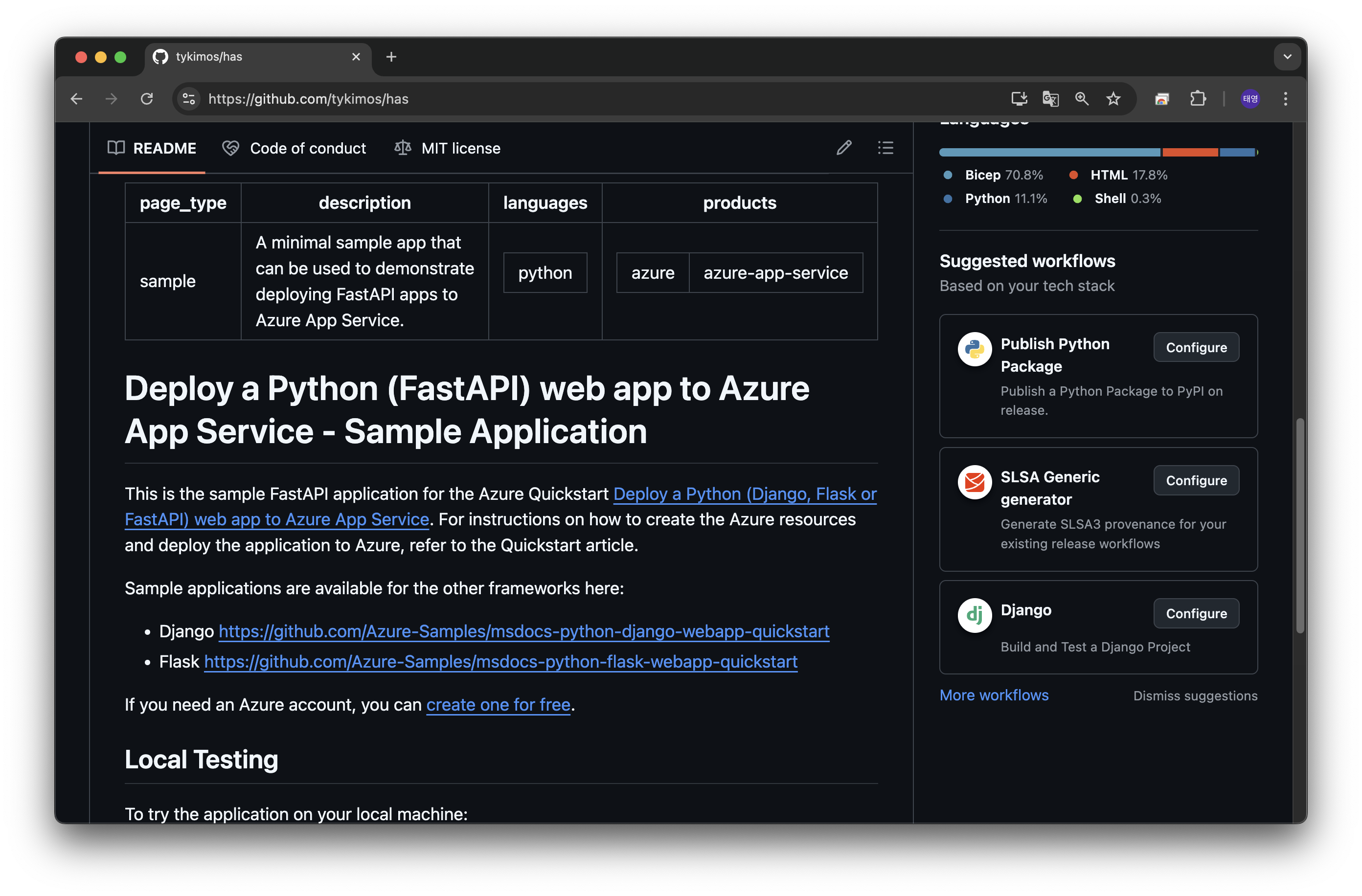
git push -u origin main --force
python -m venv .venv
source .venv/bin/activate
pip install -r requirements.txt
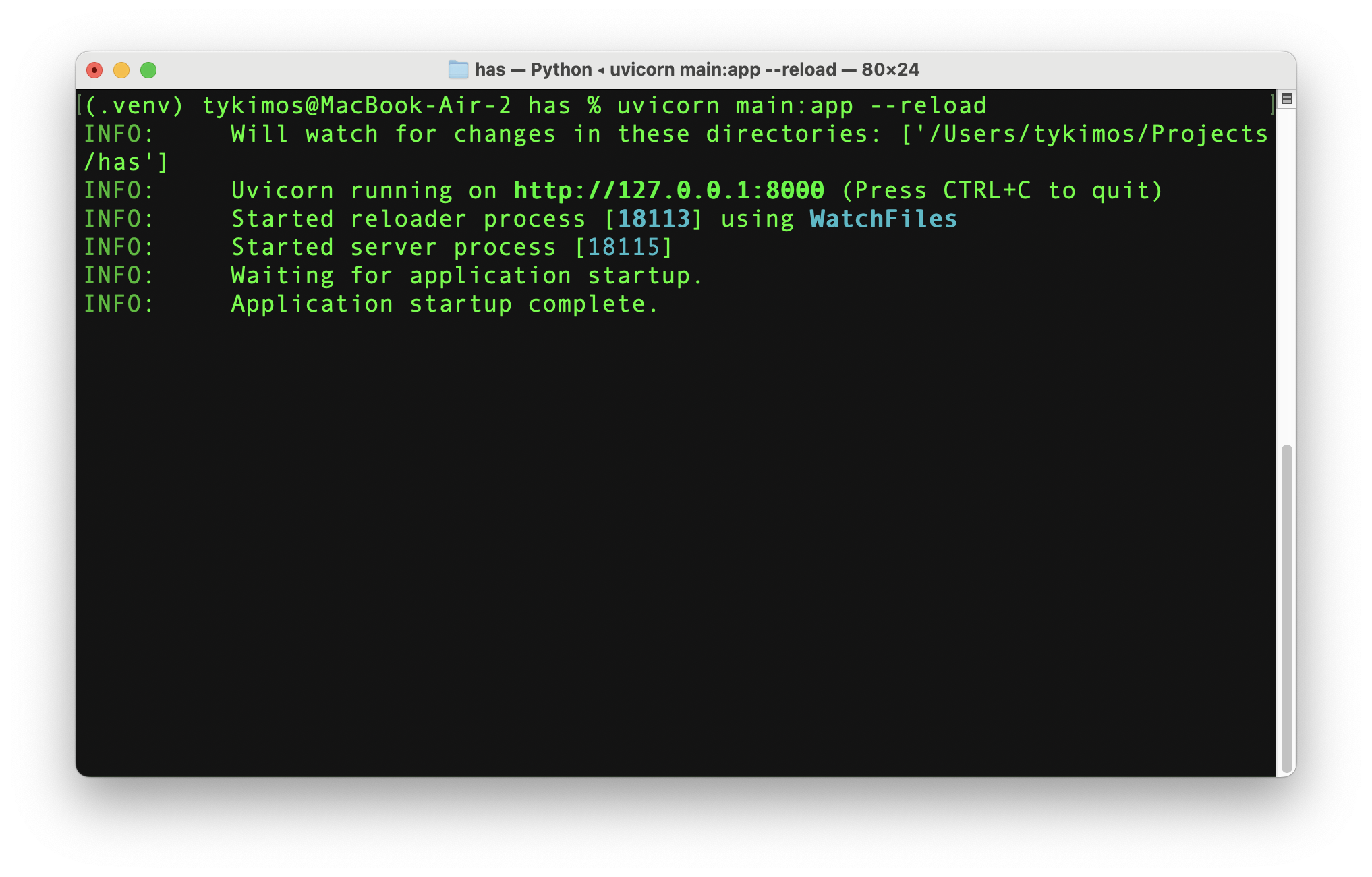
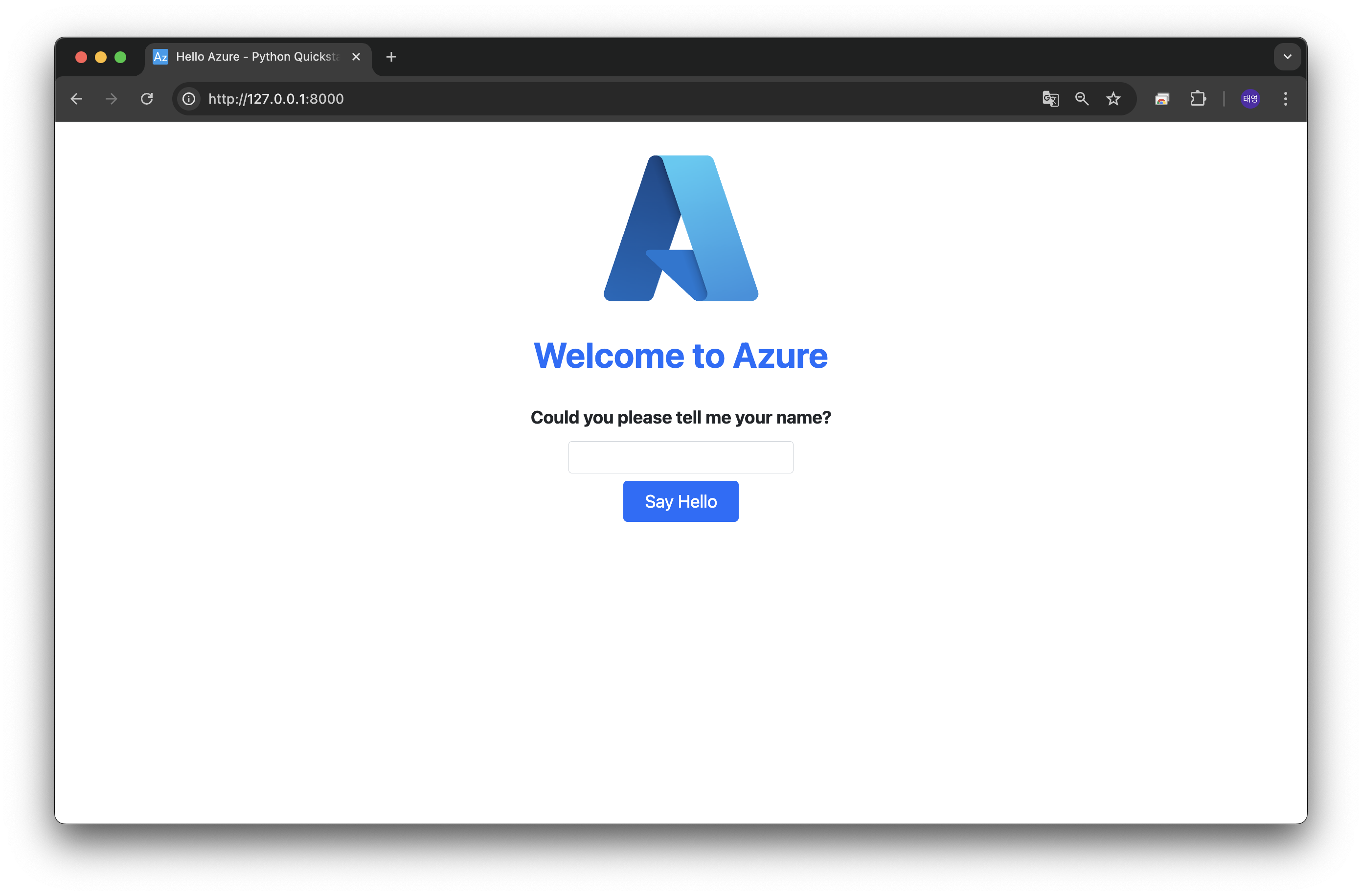
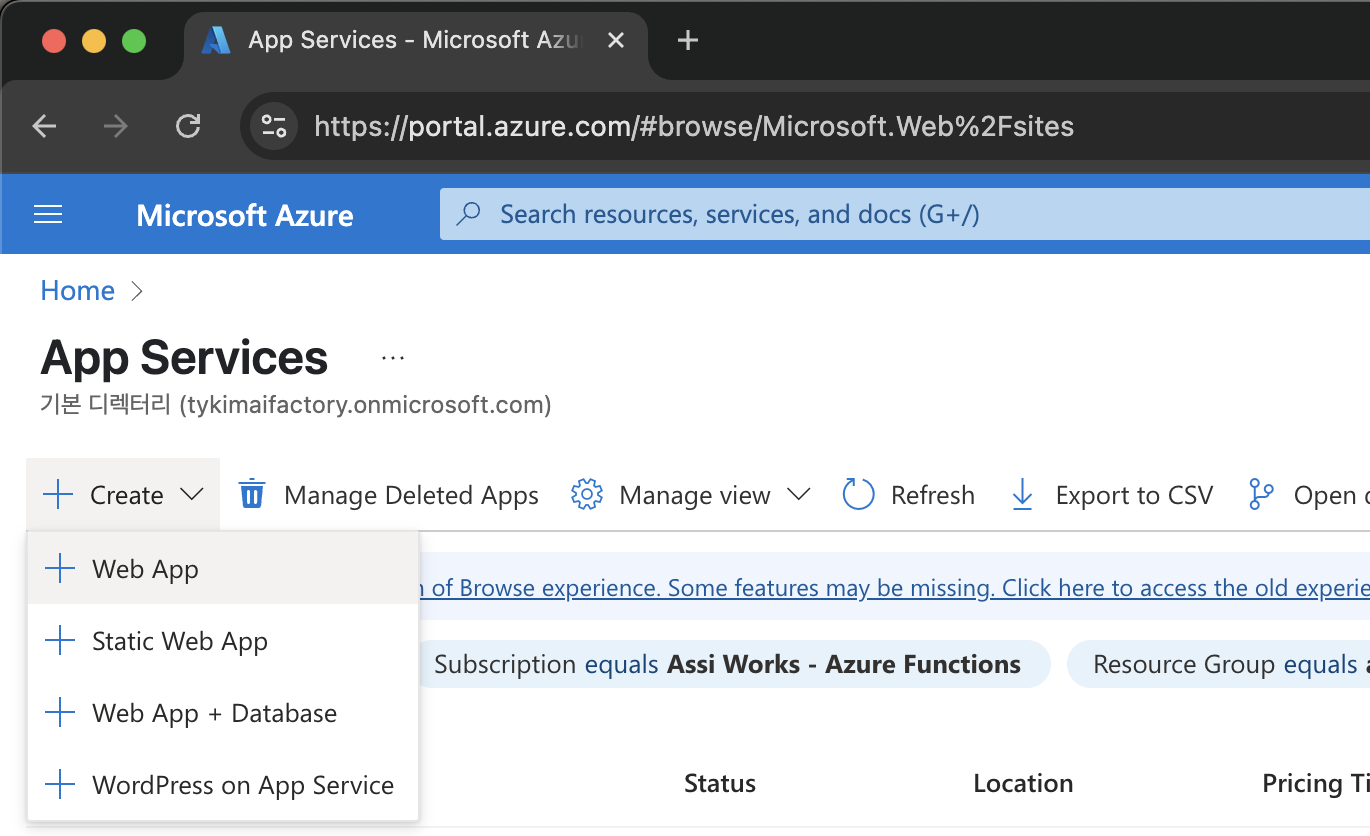
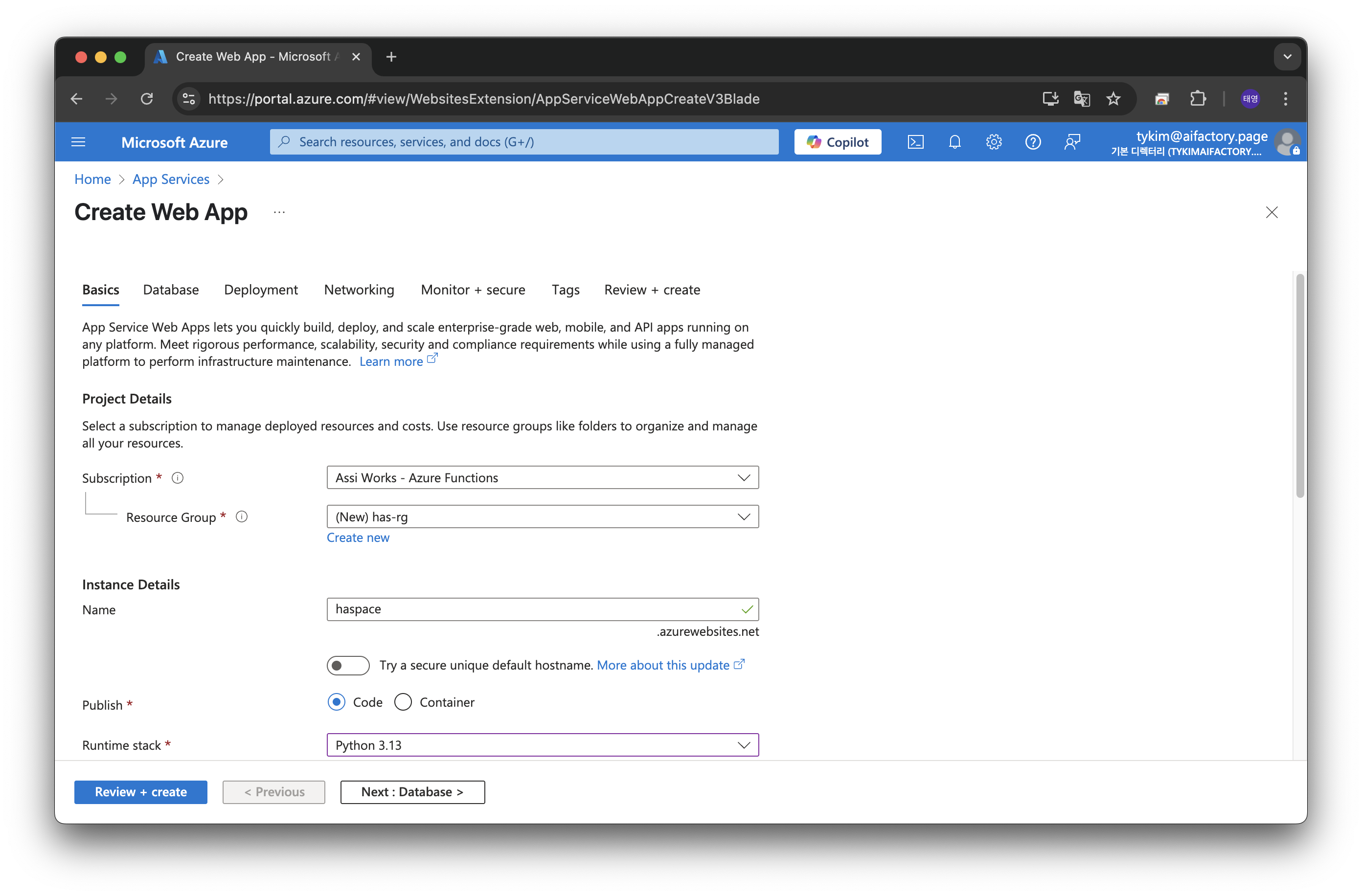
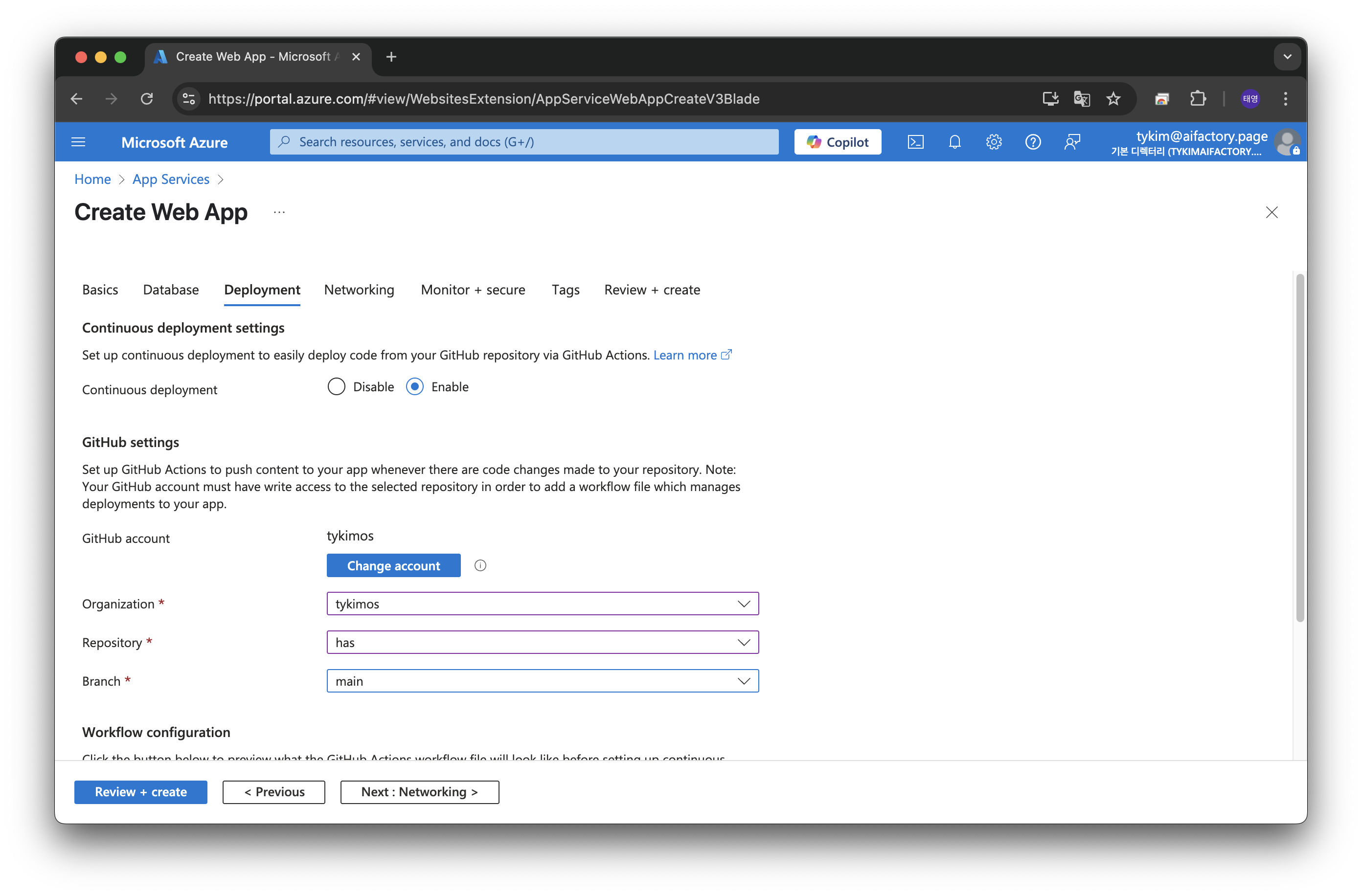
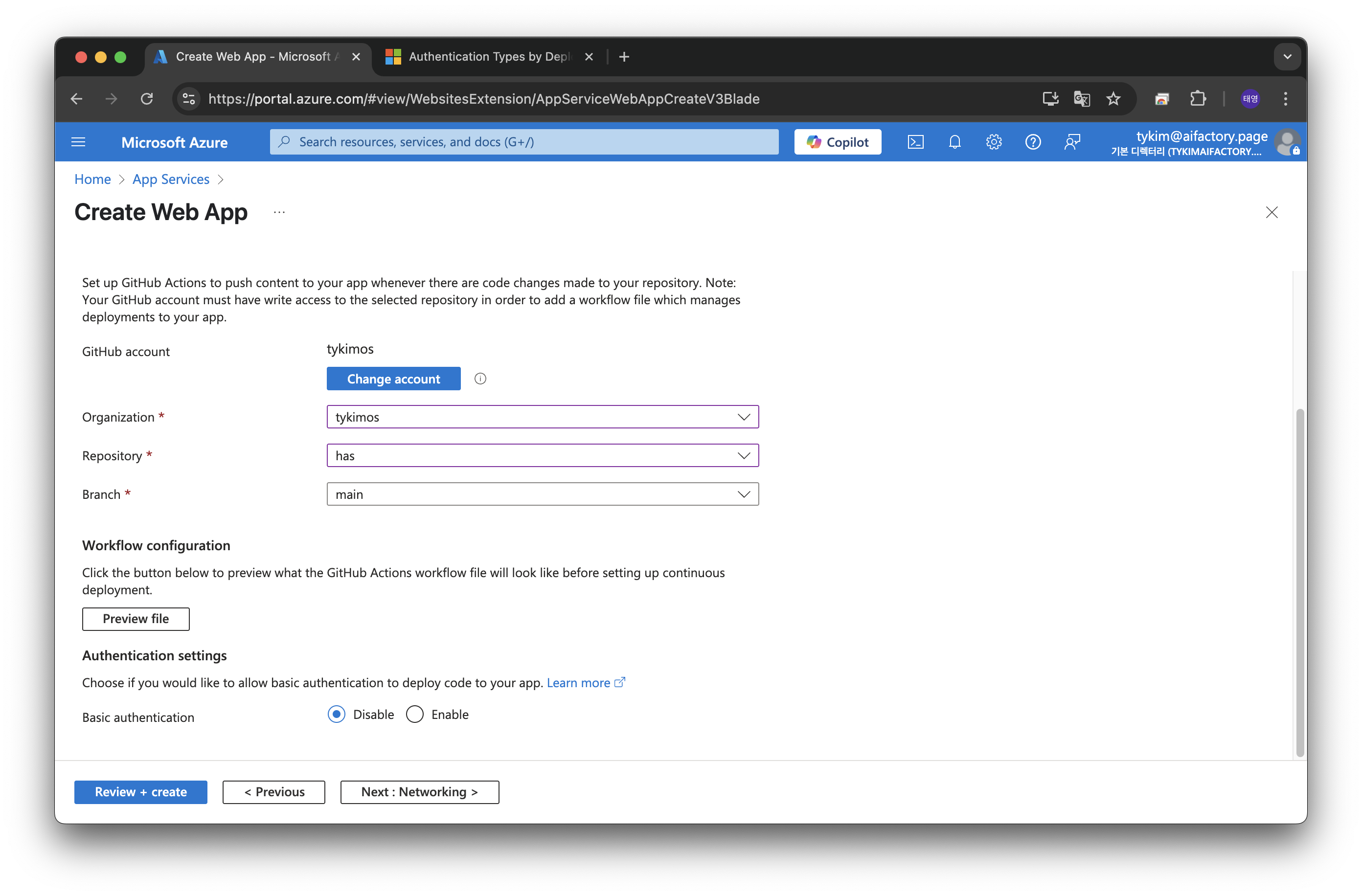
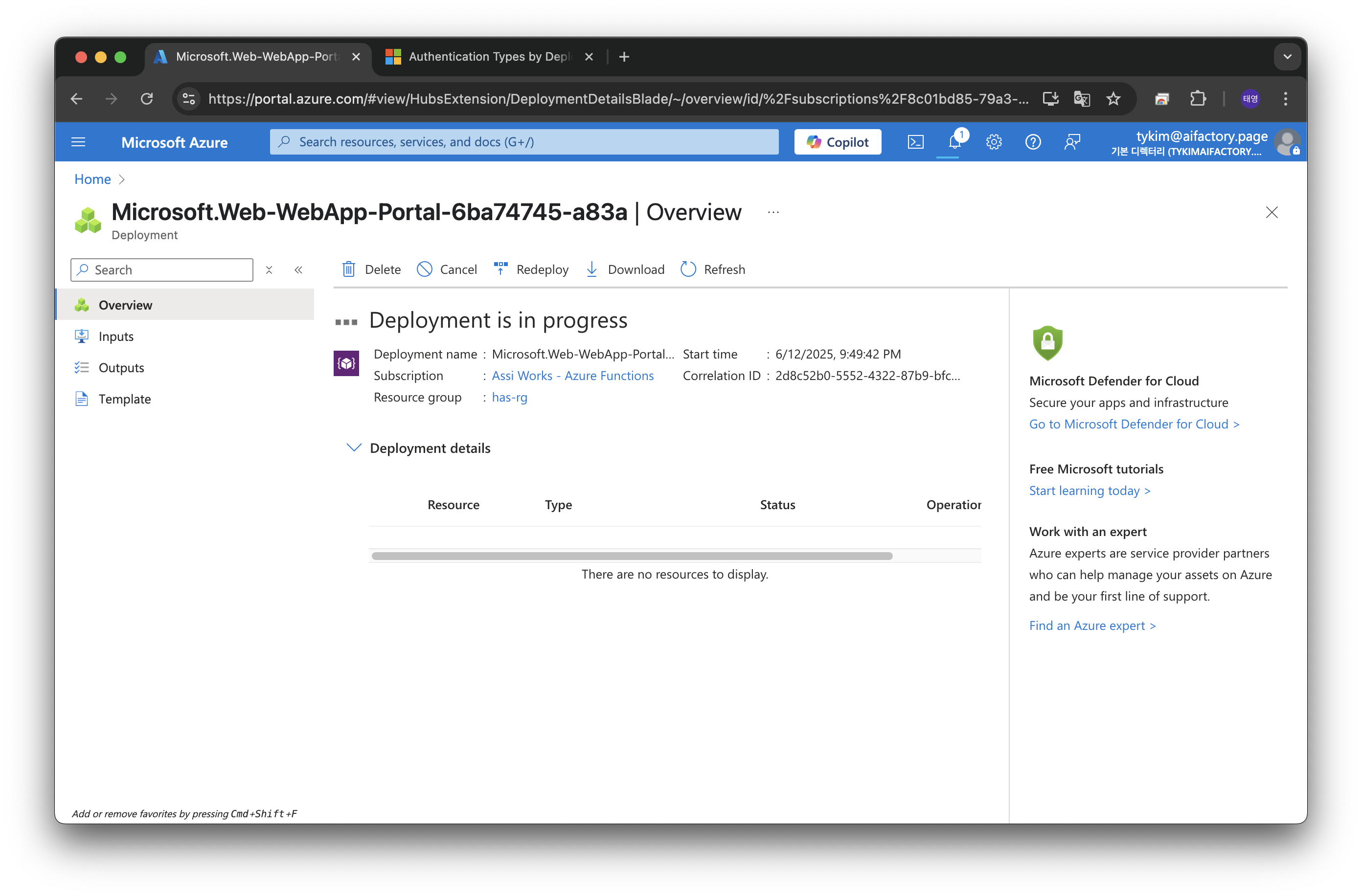
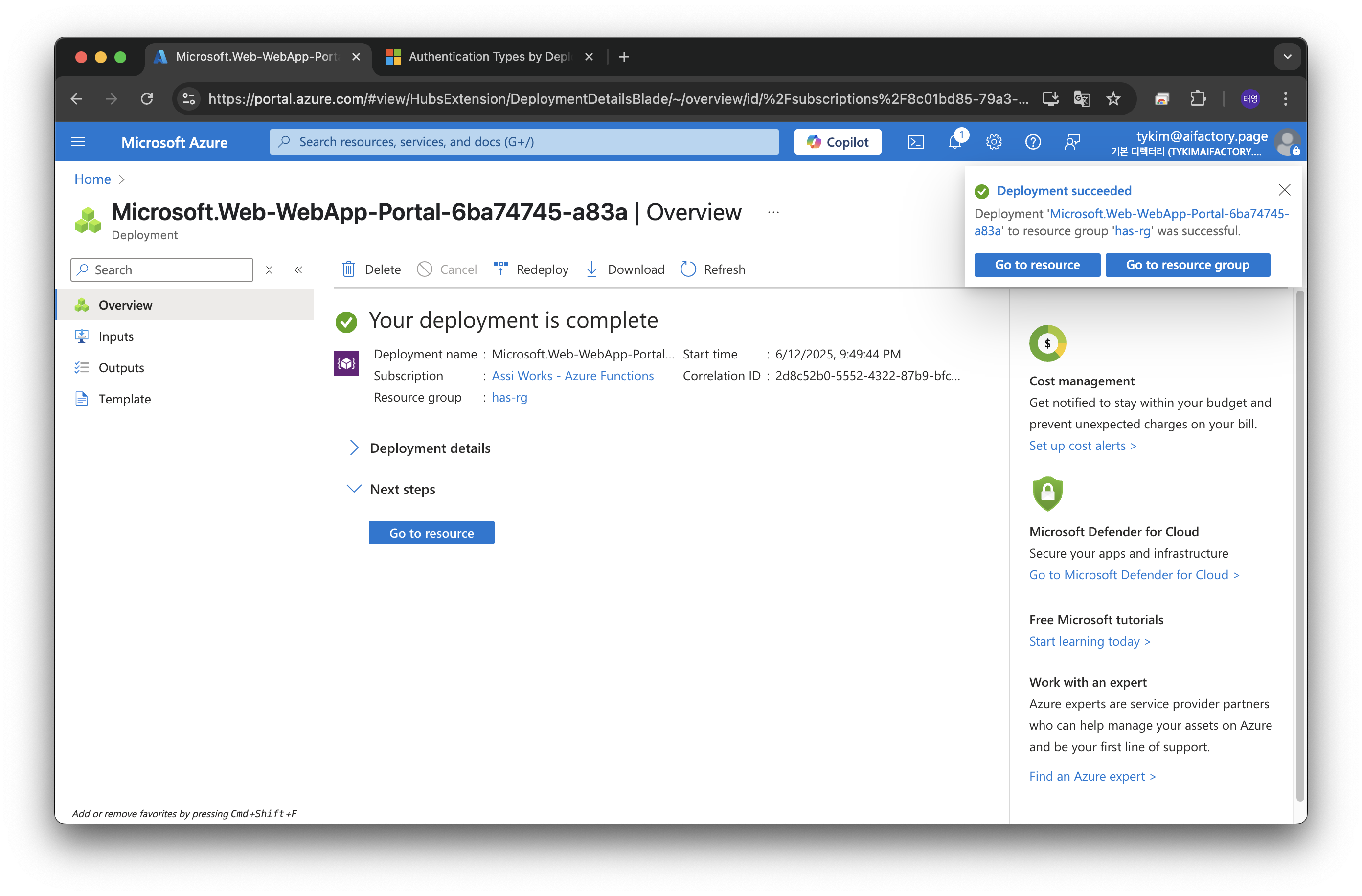
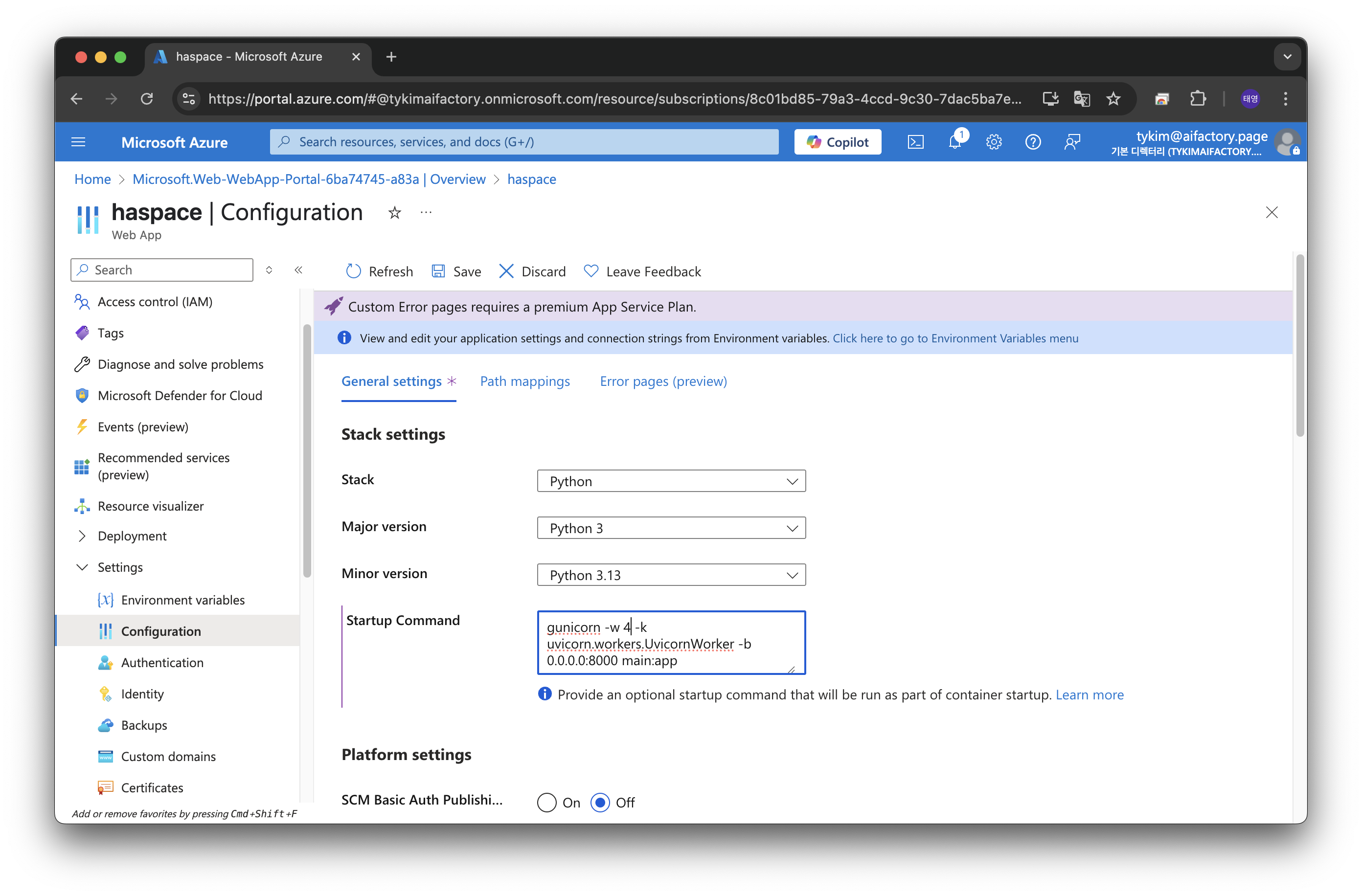
v